How to reorder my navigation links?
You can reorder the navigation links in your Solo website header by dragging them in the Header sidebar in designer.
To reorder your navigation links:
- Visit the designer
- Click
Sectionsin the top toolbar

- Click the edit (pencil) icon next to
Header
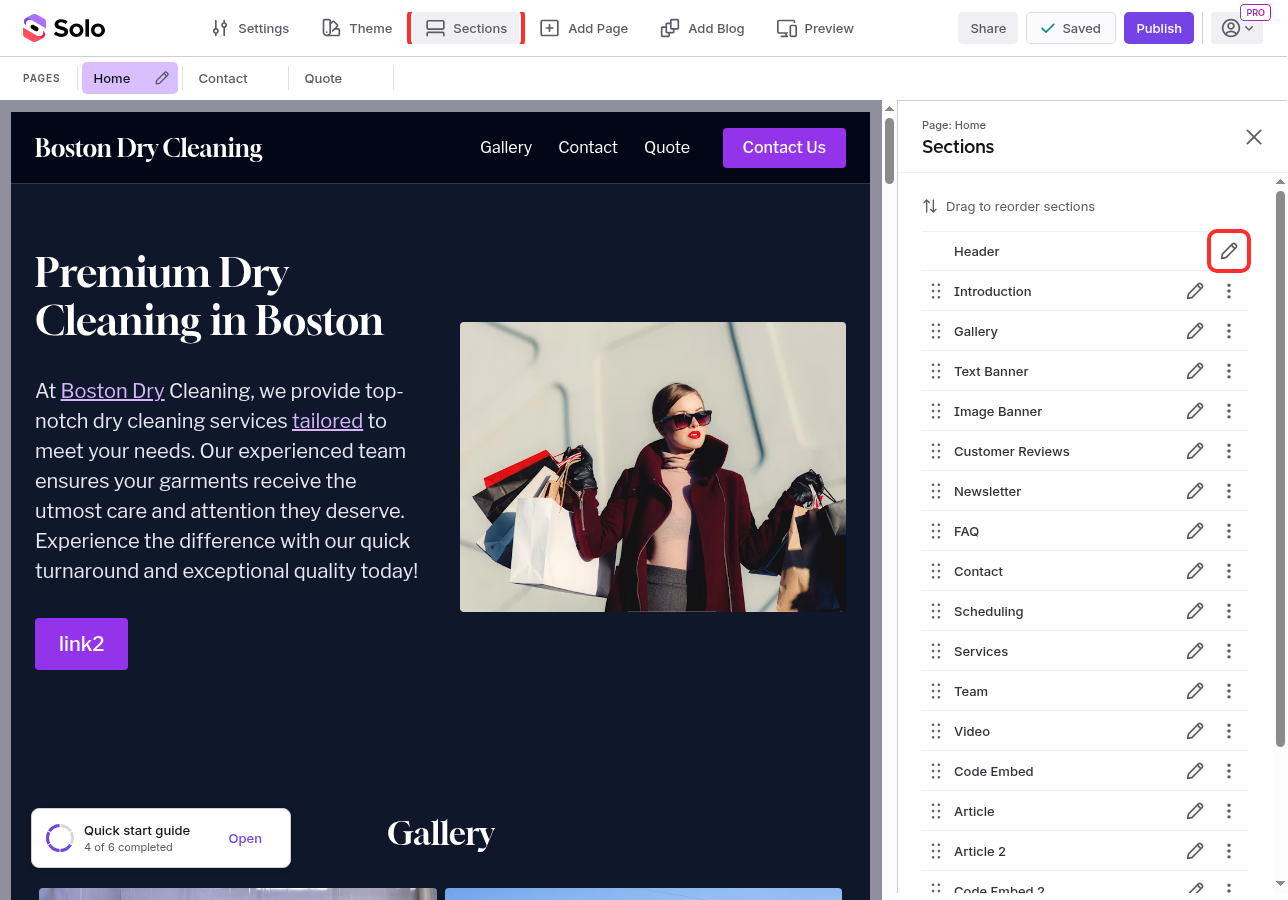
- In the right sidebar, under Navigation links, you will see a list of your navigation links

-
Drag and drop the links using the grip handle on the left of each item to reorder them
-
Click
Publishto save your changes
The order of the links in the header will match the order you set in Navigation links.
Note: When you add a new page to your website, a link is automatically added to your header. Reordering the links in the header does not change the order of your pages in the page toolbar.
Related Articles
Still have a question? Post to our Reddit group or email the team.