Add BookingMood for rental bookings to your website
BookingMood allows you to embed calendars and booking forms for your rental business so your users can book your place without leaving your site. To embed BookingMood into Solo:
Step 1: Get your BookingMood embed code
- Login to BookingMood and click
Channelsin the left sidebar - Click
New Channeland choose a widget type (e.g. Calendar) - Confirm which of your rental units you want to be accessible on the widget
- Click
Embedand selectPopup,Popover, orSide tab
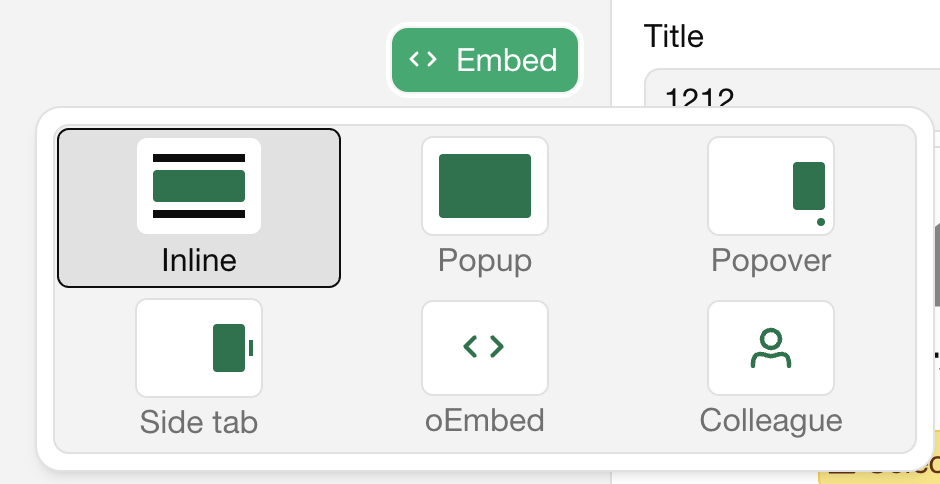
- Click
Copyto copy the embed code
You can also view BookingMood's instructions for the latest steps to get the embed code.
Step 2: Add the code to your Solo website
Note: Custom code requires a Pro or Grow plan and a connected custom domain.
- Visit the designer
- In the top toolbar, click
Settings - In the Settings right sidebar, scroll down, and toggle on Custom code
- In the modal that appears, paste your BookingMood code (e.g.
<script>) - Click
Save - Try previewing your site to make sure you're happy with the expected result.
- In the top right toolbar, click
Publish
Once published, your BookingMood calendar widget will appear on your site and visitors will be able to book your rental unit directly on your website. Be sure to preview it on desktop and mobile to ensure it fits well with your layout.
Related Articles
Still have a question? Post to our Reddit group or email the team.