How to buy a domain with Solo
You can buy a domain inside Solo and it connects to your Website for you.
- Open the designer.
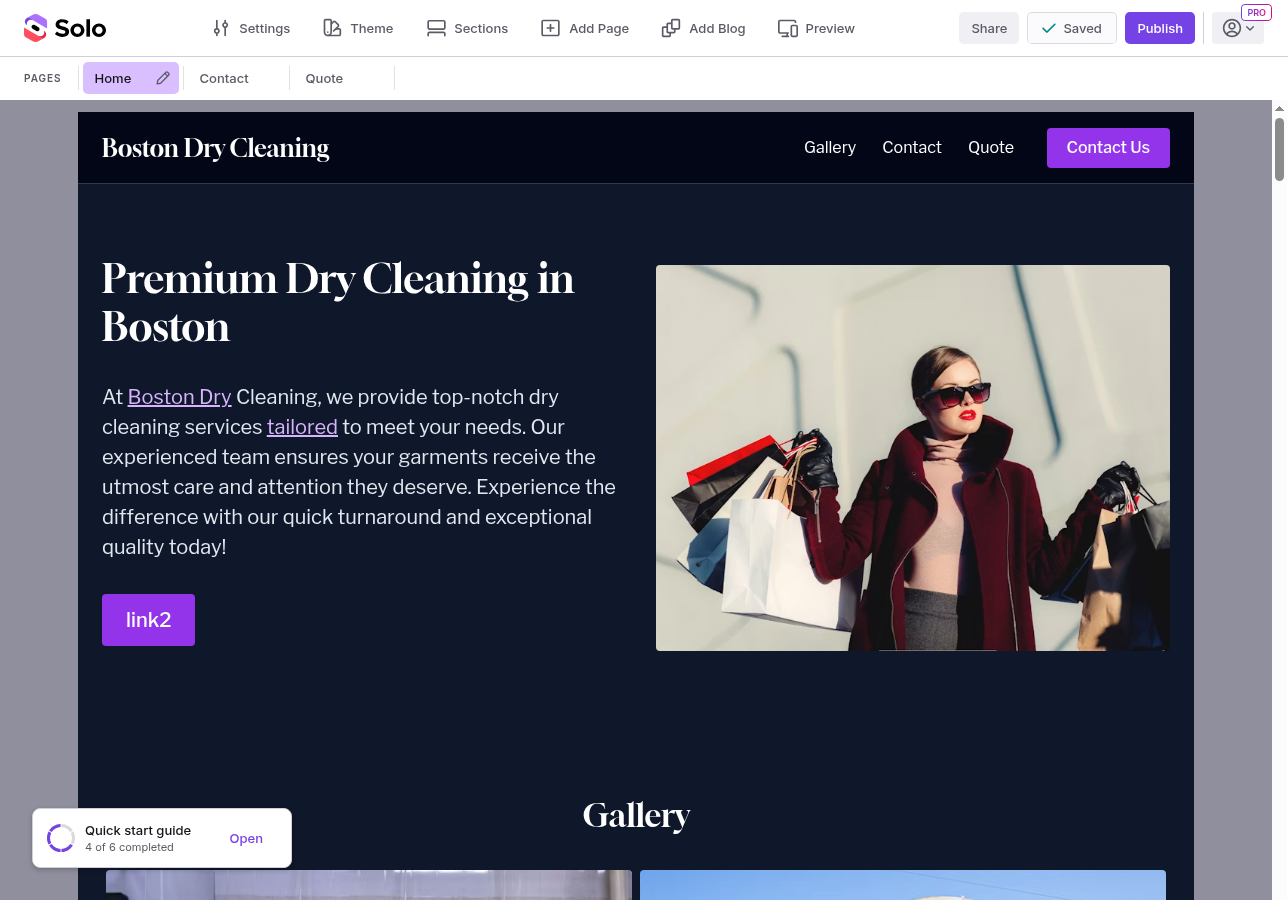
- In the top toolbar, click Settings.
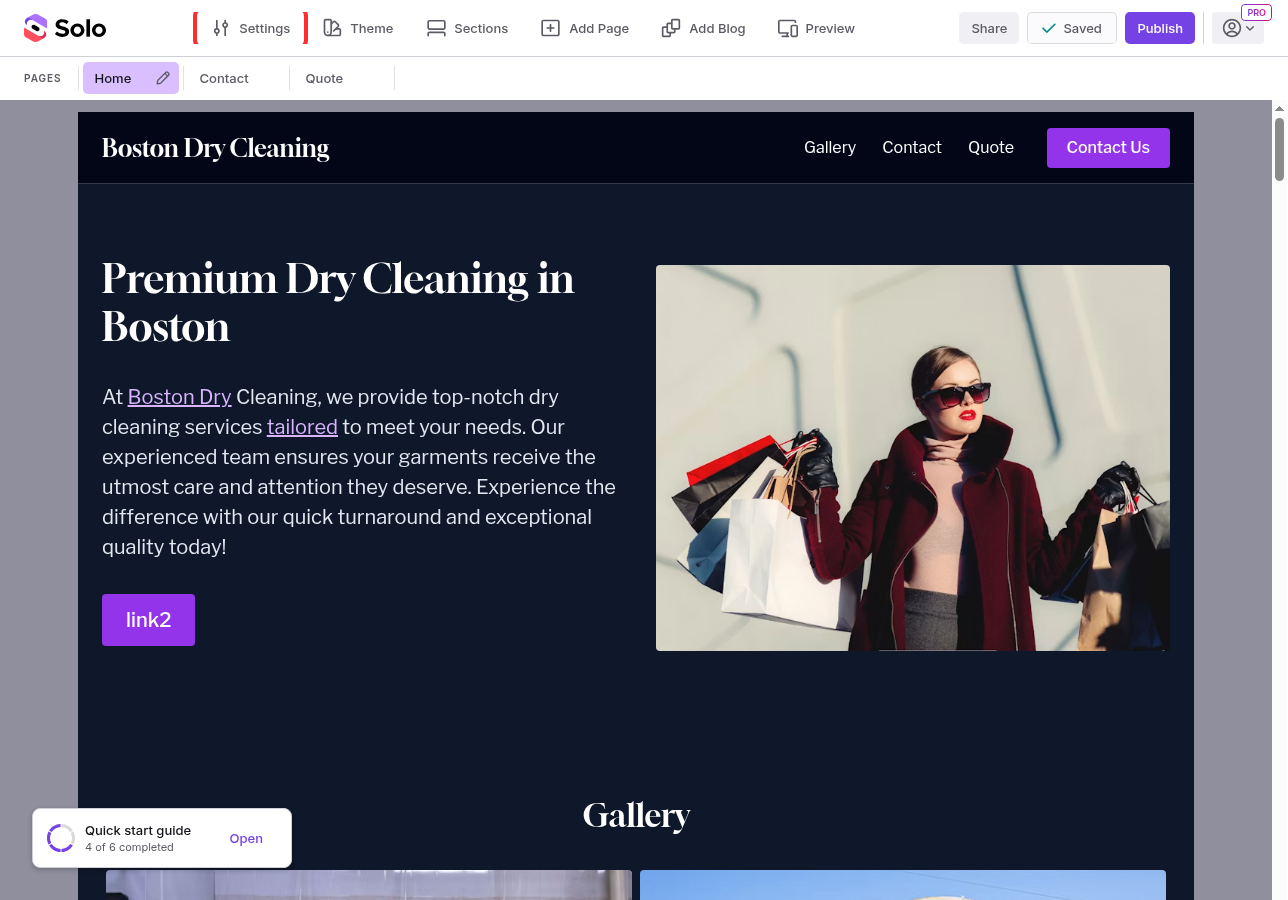
- In the right sidebar, next to Custom domain, click Connect.
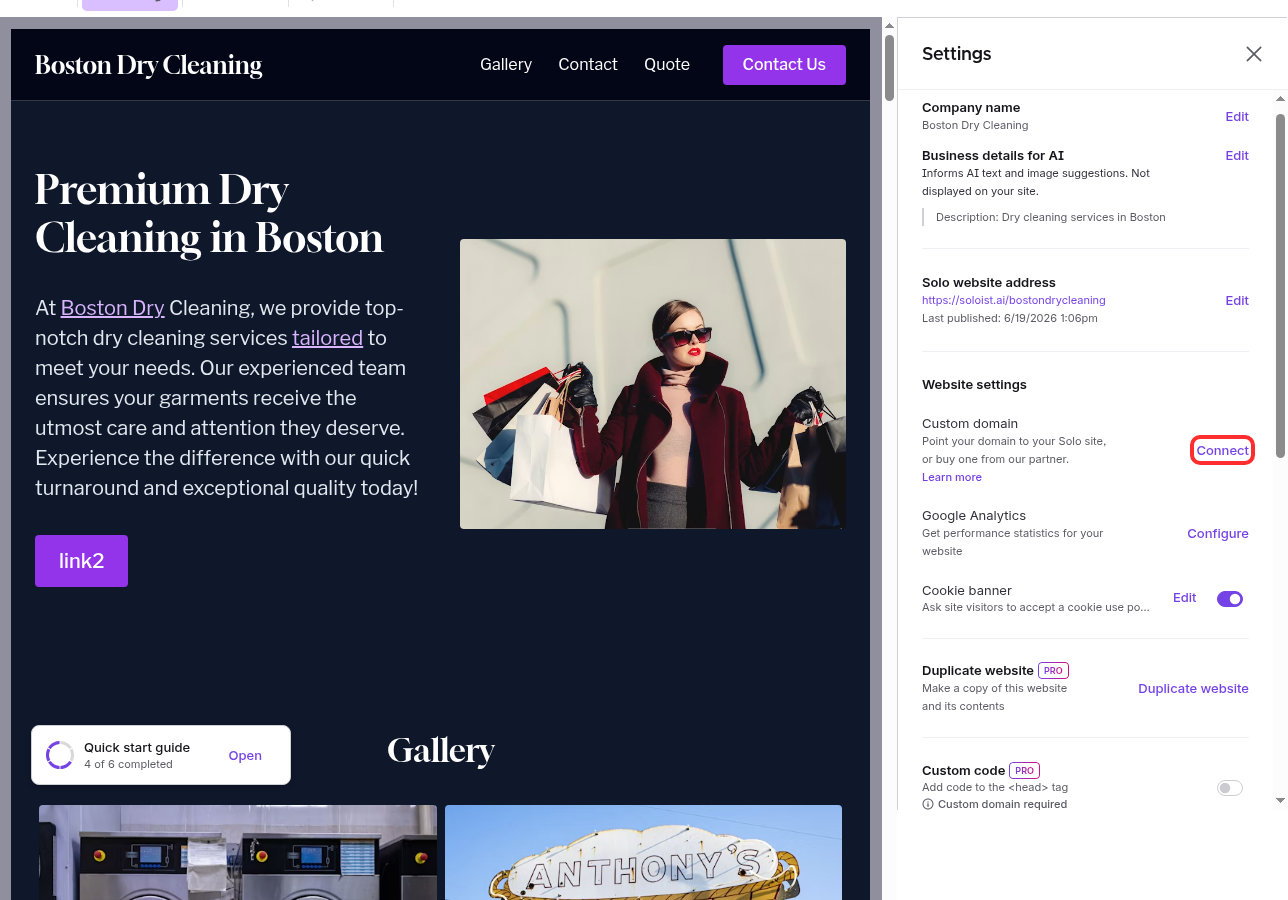
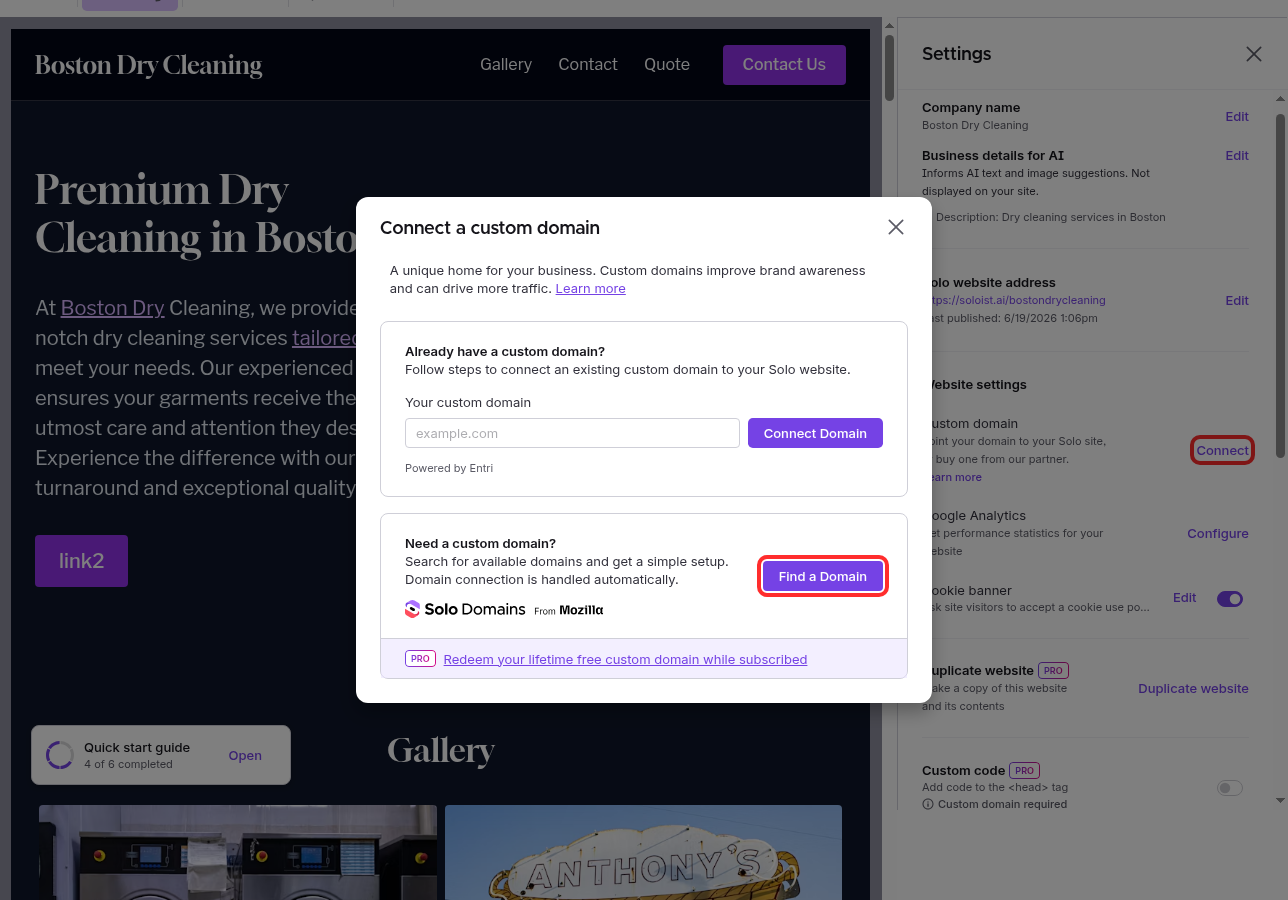
- In the modal, under Need a custom domain?, click Find a Domain.
- Search for the name you want. Available names show a yearly price.
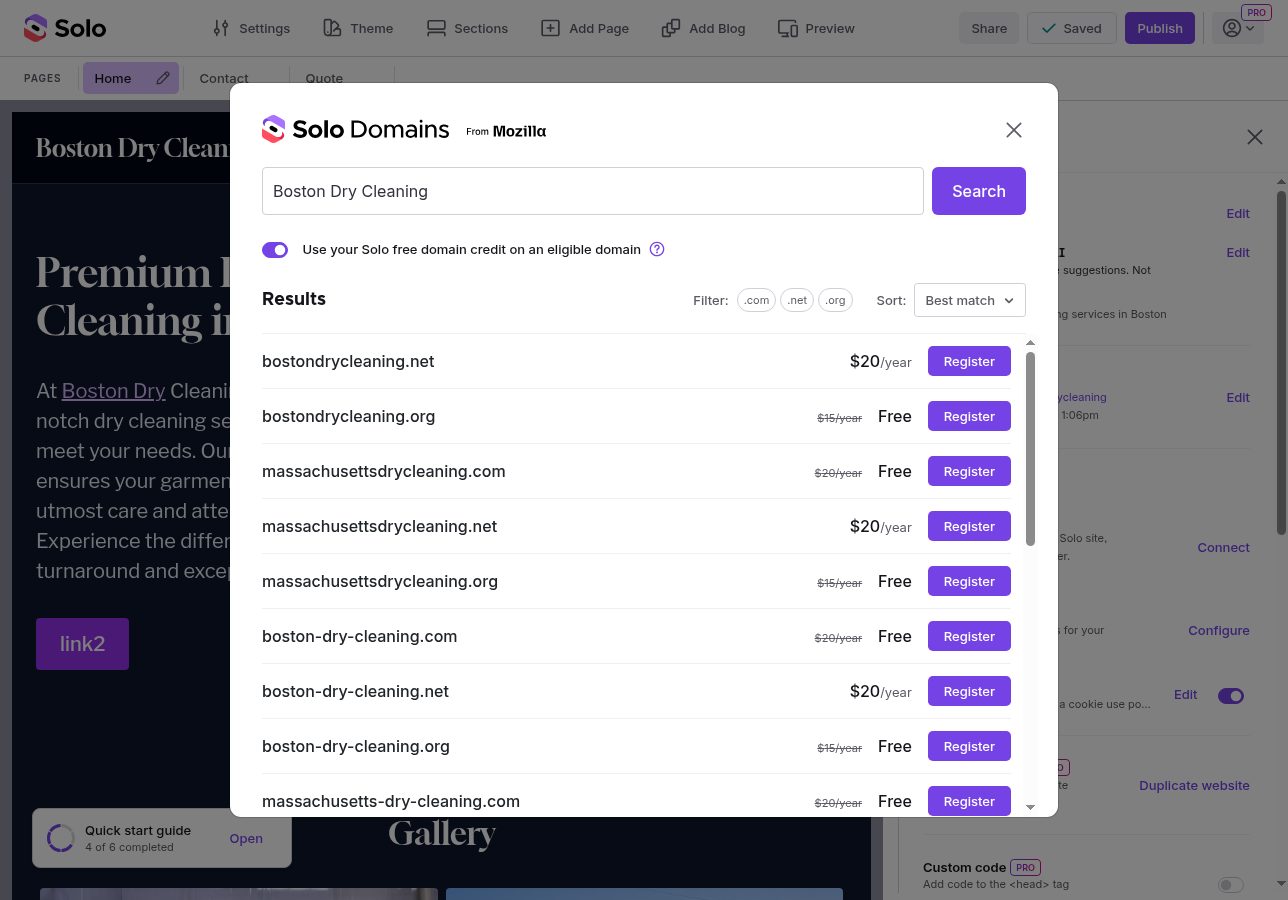
- Choose a domain and continue to checkout. Enter your contact details and pay.
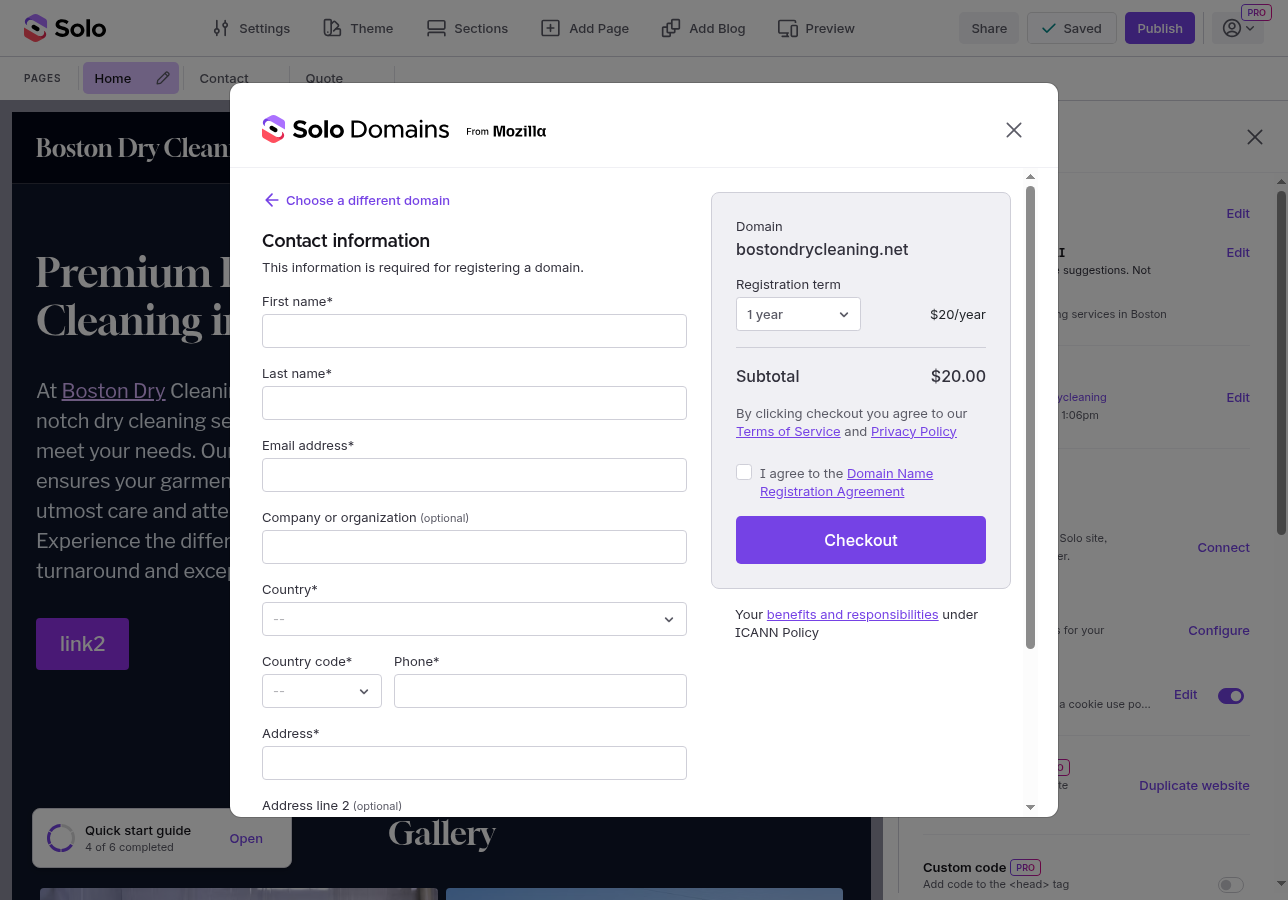
Your domain connects to your Website automatically. The connection and security certificate can take a little while to finish.
Pricing. Domains are billed yearly. You'll see the price for each domain when you search.
Free lifetime domain (Pro and Grow). Paid plans include one free lifetime custom domain, for domains that cost up to $20 a year.
Verify your contact (required). ICANN requires you to verify your contact email within 15 days, or the domain may be suspended. Open the verification email and click the link. You can resend it and check the status under Manage Domains.
Already own a domain? You don't need to buy one — connect the domain you have. See How do I connect a custom domain to my website?.
FAQ
- Is WHOIS privacy included? Yes, it's always on and free, so your personal details stay private.
- Can I bring a domain I own at another registrar into Solo? Not at the moment. Connect it instead. See How do I connect a custom domain to my website?.
- Can I transfer a domain away from Solo? Not at the moment.
Related Articles
Still have a question? Post to our Reddit group or email the team.