How can I add my business hours to my website?
You can use the Contact section to add your business hours to your Solo website by following the steps below:
-
Visit the designer
-
In the top toolbar, click
Sections -
In the Sections right sidebar, click
Add section -
Double click the
Contactsection in the modal to add it to your website -
In the designer area, scroll down to the Contact section, and hover over the section
-
Click
Edit section -
In the Contact right sidebar, under Address or other contact details, you can enter your business hours.
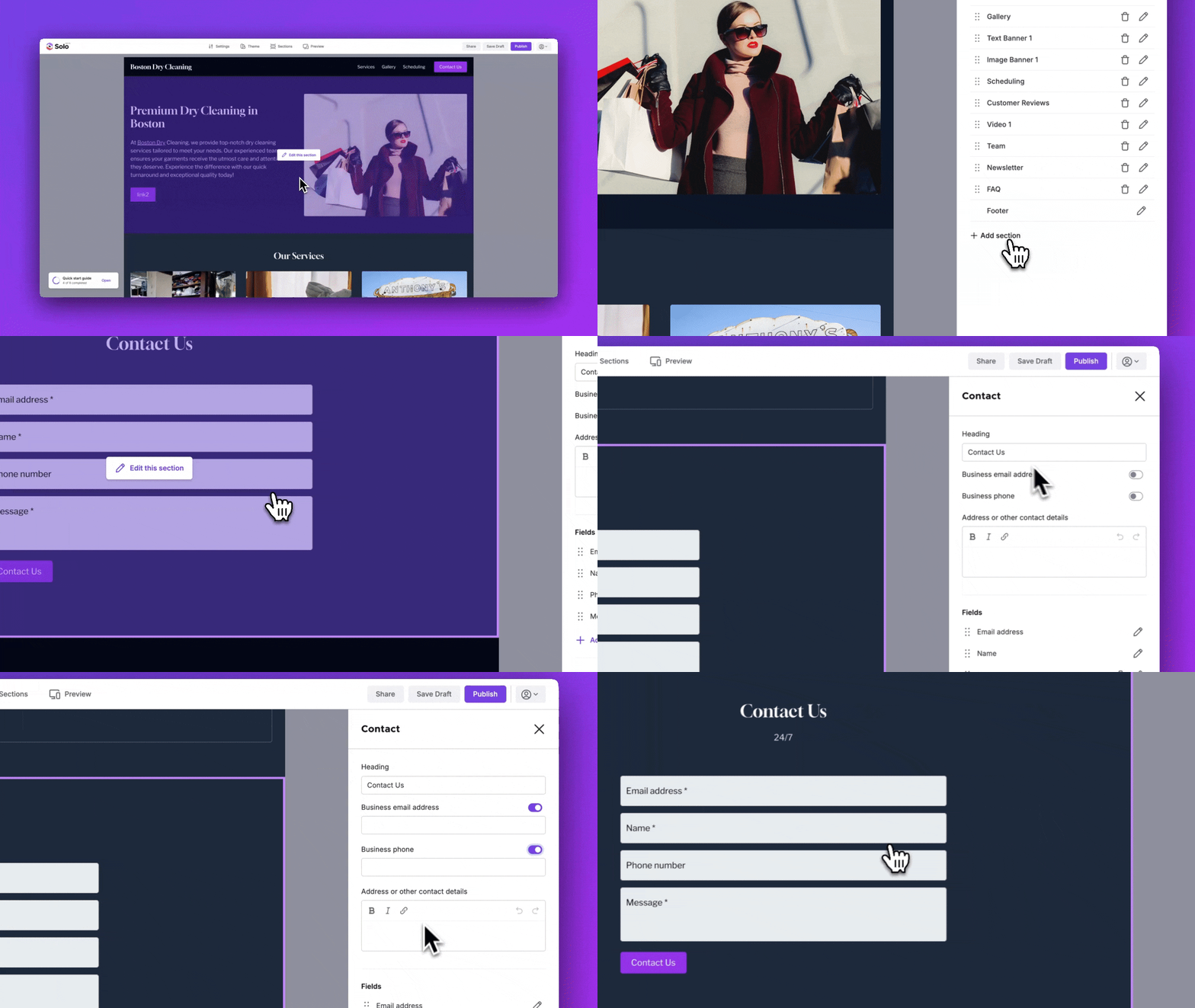
You can also display your business email, business phone number, or even specify your working days/hours, including any special holidays that you might not be available. In the Contact form email field, you can also specify the email address that will receive the form submission (when your website visitor completes the form and wants to contact you).
Related Articles
Still have a question? Post to our Reddit group or email the team.